
Guides
Good finds.
Useful habits.
Practical ways to save a little context now and find the right link later.
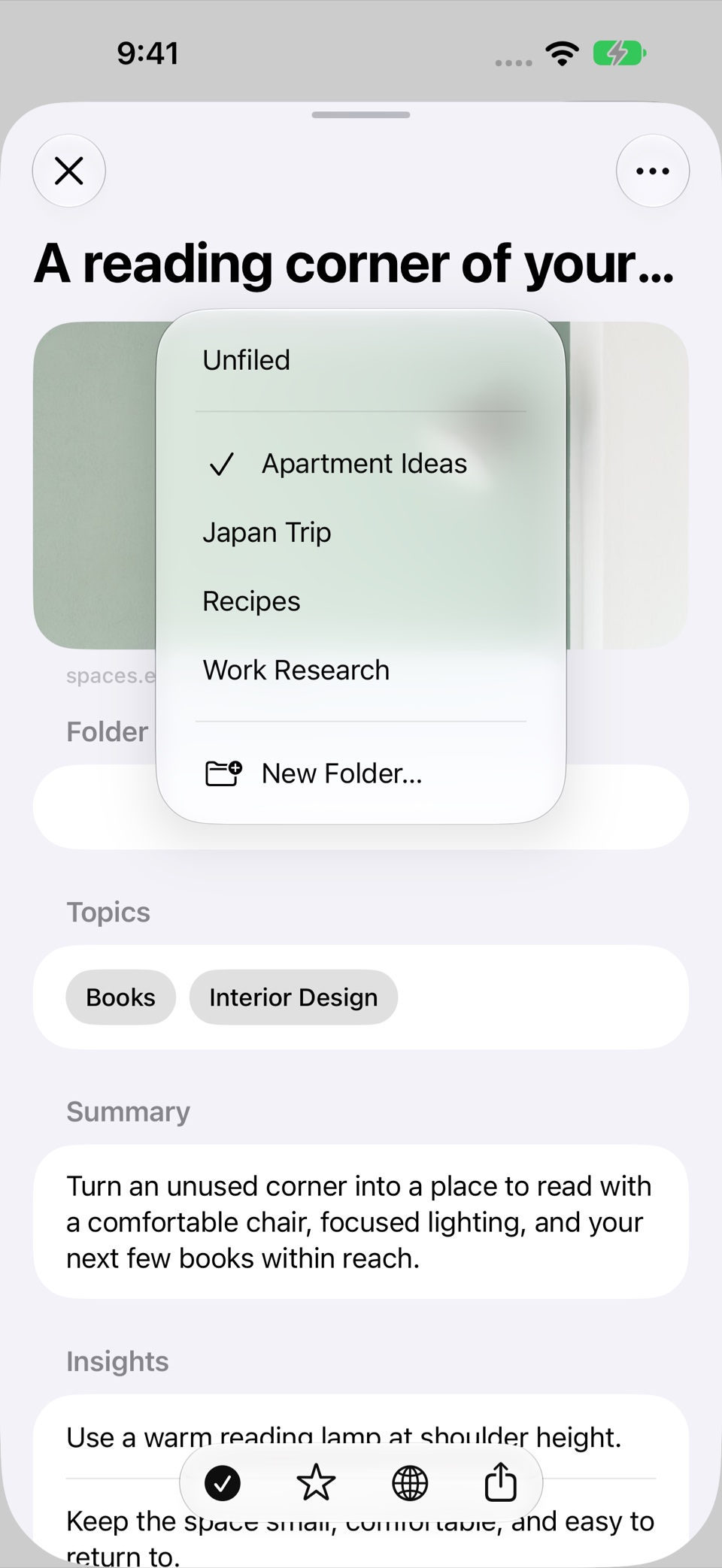
Organize saved links
A practical way to organize saved links: use a few useful folders, add context, separate favorites from reading status, and search by what you remember.
Explore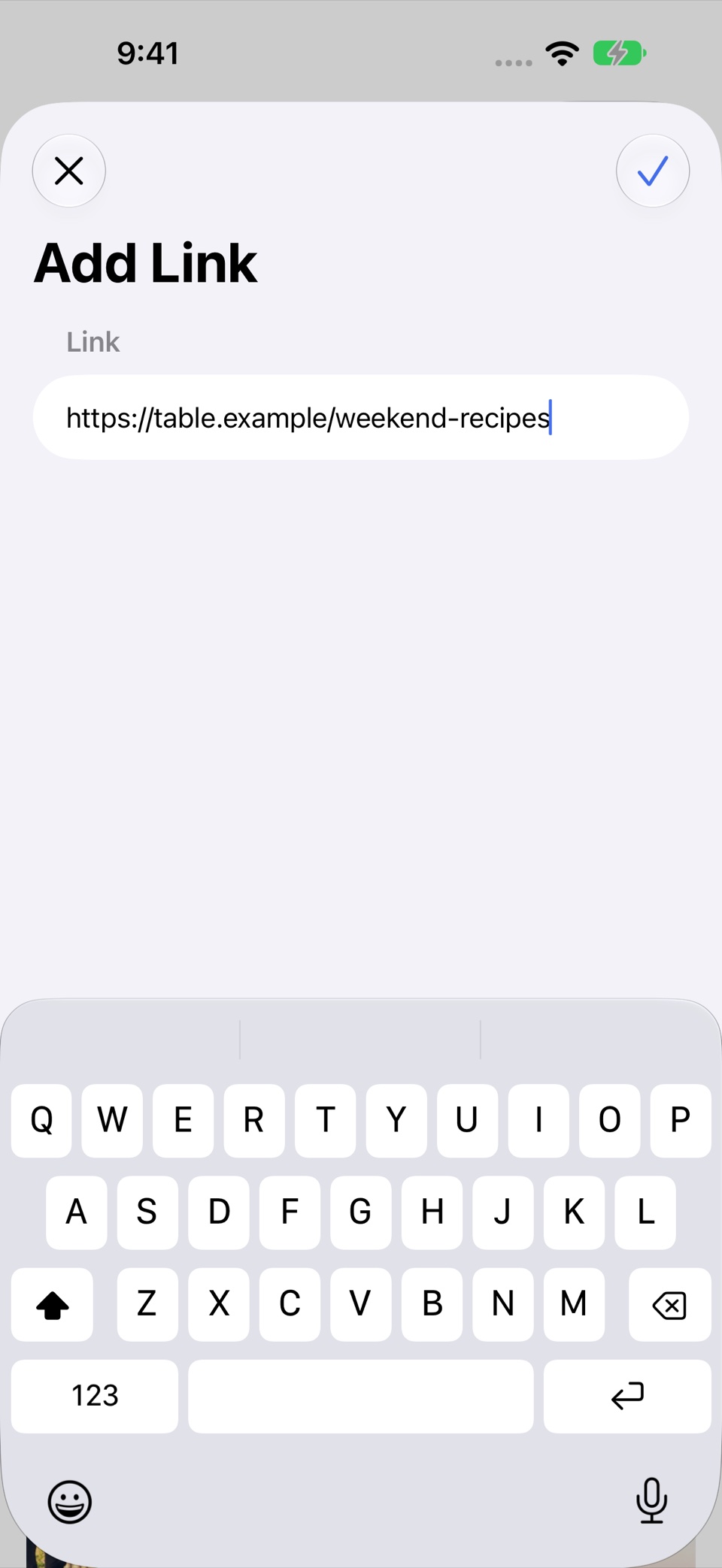
Save links on iPhone
Learn how to save a web link to Recall on iPhone, keep useful context with it, and find it again through folders, semantic search, or Voice Recall.
Explore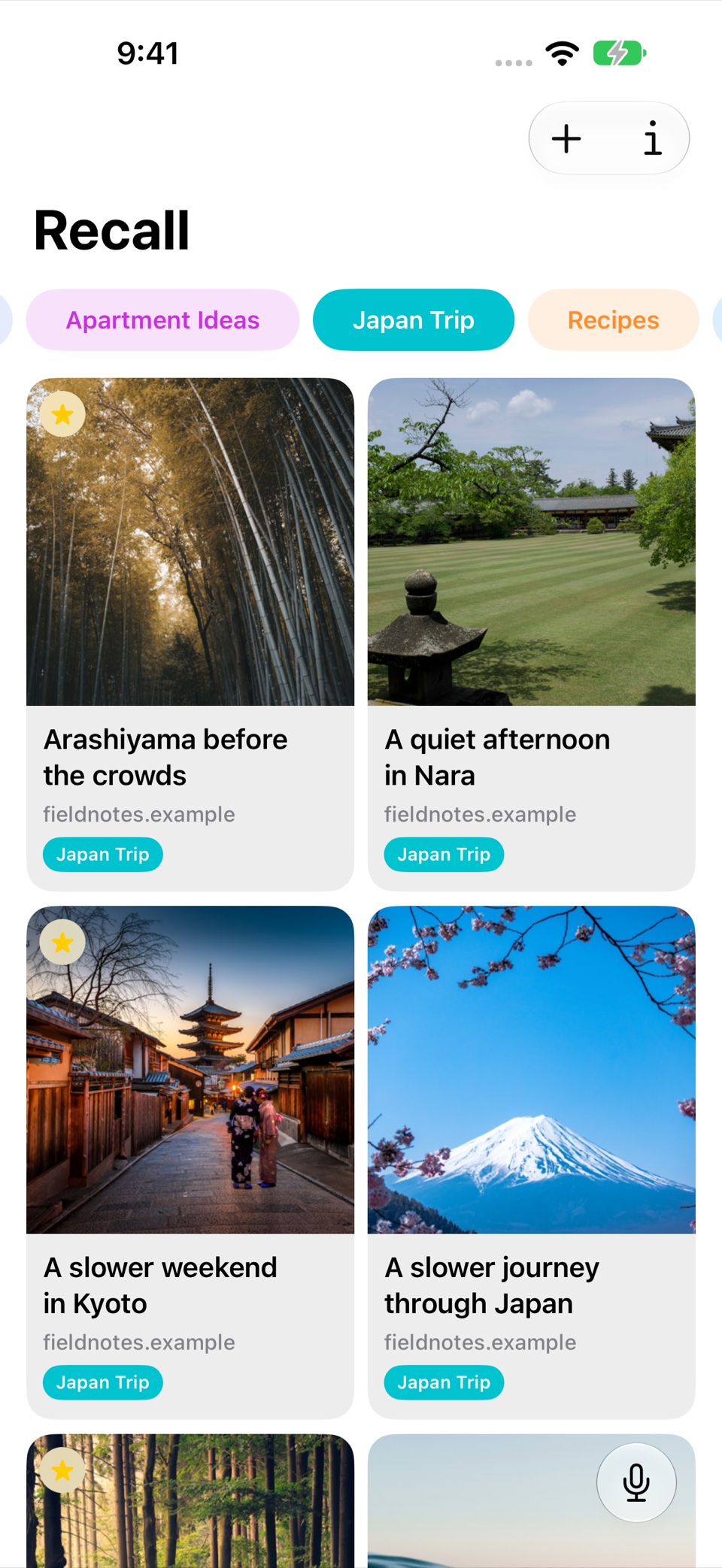
Organize travel research
Build a useful collection of travel research: keep destination links together, add notes about decisions, and find the places you remember later.
Explore
Save it for later.
Find it when it matters.
Get Recall on the App Store Requires iOS 26, iPadOS 26, or macOS 26 or later and a compatible device with Apple Intelligence enabled. iCloud account required for sync. Microphone permission required for Voice Recall.