
One library across your devices
Save it here.
Come back to it there.
Save a link on iPhone, review its summary on iPad, and return to your research on Mac. Recall uses iCloud to keep your saved library connected.
See how it works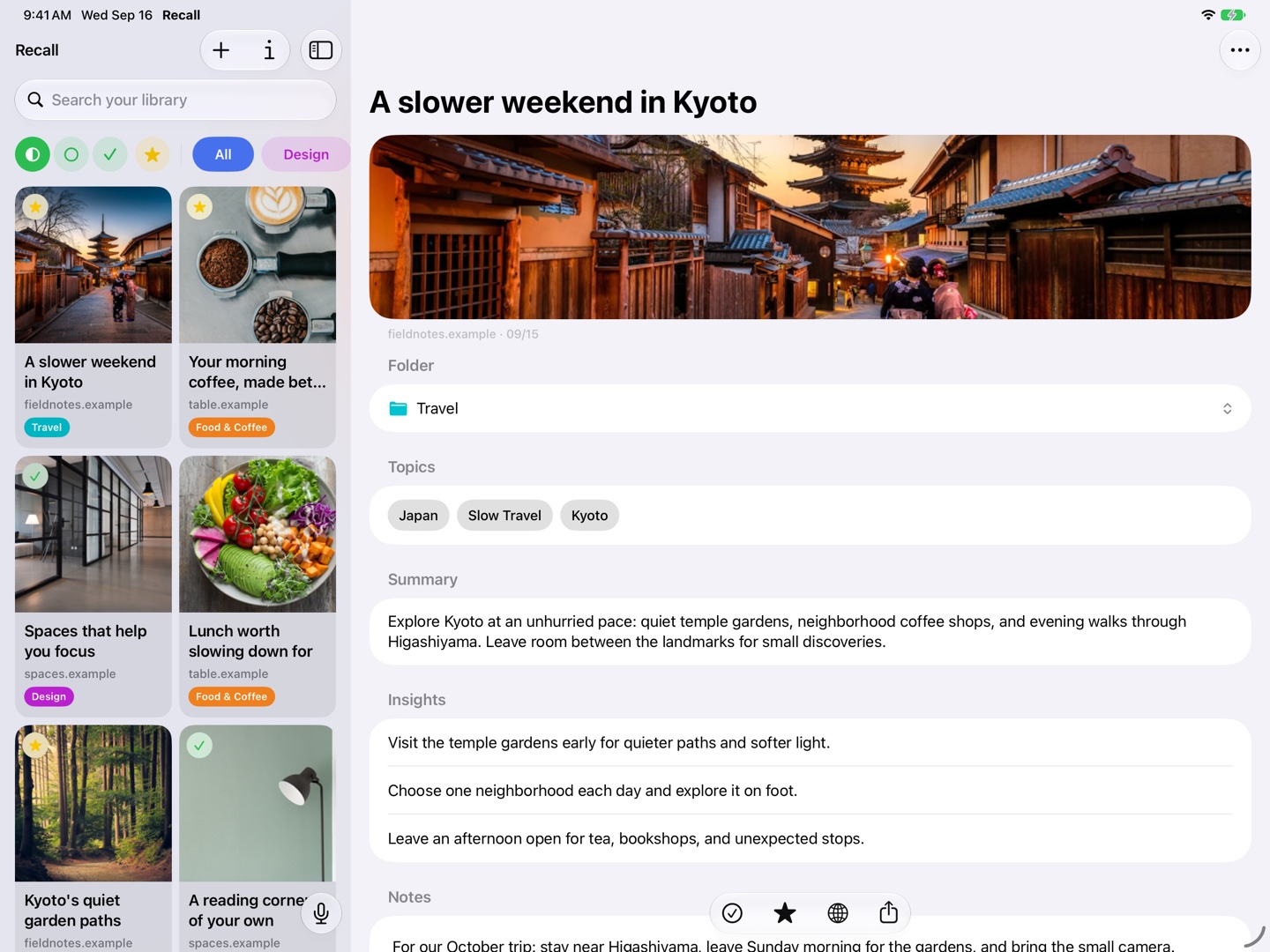
Use the screen that suits the moment
Your phone is often where you first find a useful link. A larger screen may be where you want to read it or compare it with the rest of a project.
Recall has native apps for iPhone, iPad, and Mac. iCloud sync keeps the library available across those devices without a separate Recall account.
Connected through your iCloud account
Recall stores the library locally and uses your private iCloud database for synchronization. Use the same iCloud account on your devices and allow Recall to use iCloud.
A connection is needed to exchange changes. Newly saved content or edits may take time to appear on another device; synchronization is not a promise of an instant transfer.
Organization travels with your collection
Keep saved links, their analysis, folders, favorites, reading status, and notes together as you move between devices. Your choice of screen does not need to become another place to organize the same project.
Deleting a saved link updates the library on other devices as synchronization completes. Device and iCloud backups follow Apple’s settings. See privacy details for storage and diagnostic handling.
If something has not arrived yet
Check that the devices use the same iCloud account, have a connection, and permit Recall to use iCloud. Allow time for pending changes to synchronize, especially after adding several links.
For device requirements and help with missing summaries or search results, visit Recall support.
A few useful details
Questions about iCloud sync.
Do I need to create a Recall account?
No separate Recall account is required. iCloud synchronization uses your Apple account.
Can I use the app without iCloud sync?
Recall stores the library on your device. An iCloud account and iCloud access are required to synchronize it with other devices.
Save it for later.
Find it when it matters.
Get Recall on the App Store Requires iOS 26, iPadOS 26, or macOS 26 or later and a compatible device with Apple Intelligence enabled. iCloud account required for sync. Microphone permission required for Voice Recall.